We use cookies to ensure the website functions properly and to improve performance. By clicking “Accept”, you agree to the use of cookies as described in our Privacy Policy.

Bugs Are Not the Main Risk

Most software issues are not dramatic failures.

They are small inconsistencies: a form accepts incorrect input, a report shows outdated data, an action behaves differently depending on the order of steps.

Quality assurance exists to make software predictable.
Softalium Limited integrates QA & testing into development so the product behaves the same way every time a user performs the same action.

Softalium Limited
Softalium Limited

When Testing
Becomes Necessary

These situations do not mean the system is poorly built. They mean behavior is not  being systematically verified.

Teams usually start looking for structured testing after noticing patterns

the workflow is not visible inside the interface
the next step is unclear
the system does not confirm user actions
users must remember rules instead of being guided by the product

Why Testing Matters

Quality assurance creates confidence in how the system behaves.

At Softalium, testing is integrated into the development process rather than performed only before release. In reliable software development, verification confirms the application responds correctly both to normal usage and to unusual situations.
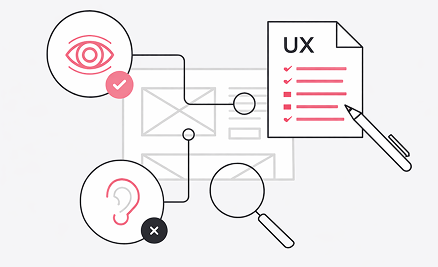
For users, it means actions lead to predictable results and the platformcan be trusted during everyday work.
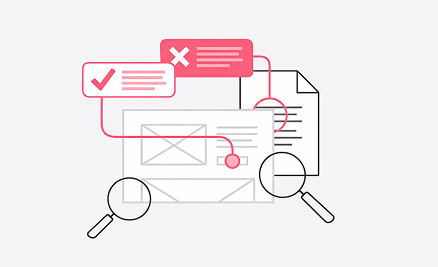
For product teams, it allows updates to be released without hesitation because the impact of changes is verified.
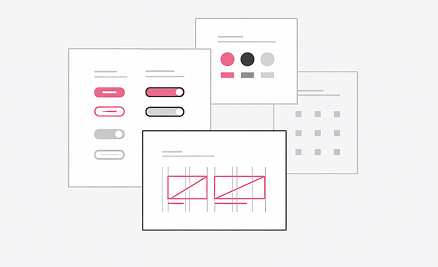
For the business, it ensures operations continue smoothly and are not interrupted by unexpected system behavior.

How We Perform Testing

01 STAGE

Define expected behavior

We review requirements and workflows to determine how each function should operate, what inputs are allowed, and what result the system must return.

02 STAGE

Verify core functionality

Key features are checked in typical usage scenarios: forms, user actions, permissions, and data handling. This confirms the main workflows operate as intended.

03 STAGE

Perform regression testing

After any change, previously working features are tested again. The purpose is to ensure new functionality does not unintentionally affect existing behavior.

04 STAGE

Test integrations and data exchange

We validate how the system interacts with external services, APIs, and databases, confirming data is transmitted, processed, and stored correctly.

05 STAGE

Validate the release environment

Before deployment, the application is tested in a production-like environment to confirm configuration, access settings, and performance behave correctly.

Each stage reduces uncertainty and allows the product to reach real users with predictable behavior.

ManuaL vs Automated Testing

Ready-Made Software

evaluates real user behavior
identifies usability and workflow issues
useful for new features and interface changes
they avoid features they are unsure about
they keep external notes or instructions next to the system

Automated Testing

checks repeated scenarios
detects regressions quickly
supports frequent releases

Softalium combines both approaches so testing remains practical and scalable rather than slow.

When the System Is in Use

Testing does not end at deployment.

Softalium monitors releases and verifies system behavior after updates. Continuous QA reduces incidents and supports long-term technical support as the system evolves.
Real environments introduce:

unexpected user input

unusual action sequences

external service behavior

data
growth

Review Your System Stability
Head of product
Developer
Designer
Designer

If updates feel risky or system behavior is difficult to predict, Softalium Limited can evaluate your current testing process and suggest improvements. We first understand how your software is used before recommending verification procedures.